Project Tracker
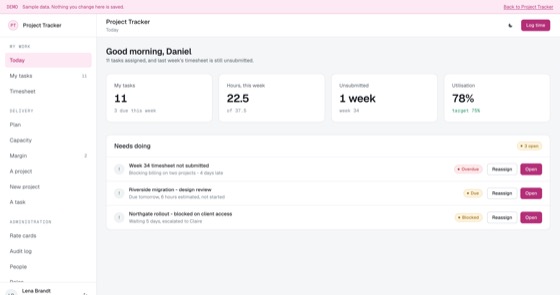
Plans, capacity, timesheets and margin per project, for teams that bill their time.
5.0 out of 59 sold
PortfolioProject manager1 / 8
4.5 out of 53 sold
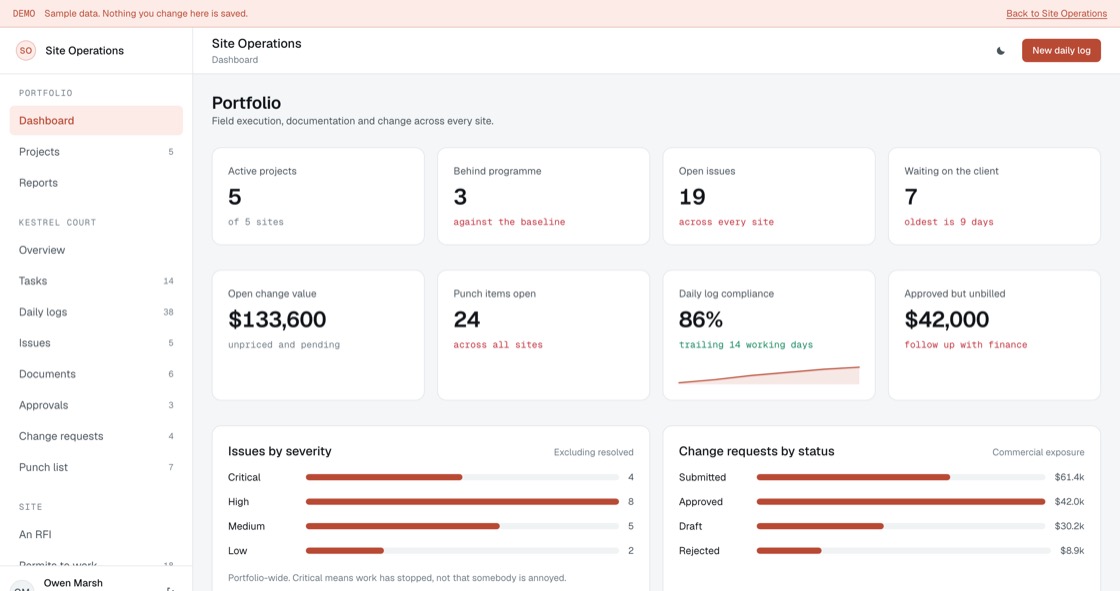
Everything on a site is recorded twice: once badly on paper, once from memory a week later. This records it once, at the moment it happened, and then shows the same record to six different people at six different levels of detail.
From$699
Inside the app
24 connected functions on one schema, spanning six stakeholder views. Everything below is in the template before a line of customisation.
Active sites, how many are behind the baseline, open issues, change exposure and log compliance, with a health card per project.
Every site with completion against expected completion. The gap between those two columns is the whole report.
The site header, the open blockers highest severity first, and progress by discipline weighted by contract value.
Work breakdown by phase, area and discipline, as a board or a table. A blocked task names the issue blocking it.
Manpower, weather, progress, blockers and photographs, one per working day. A blocker in the log becomes an issue automatically.
Severity, area, discipline, owner and due date, with a flag for the ones that carry a commercial impact.
Revision controlled, with a client-visible flag. A superseded revision is kept and marked rather than deleted.
What is waiting on the client, and for how long, timed from when it was sent rather than from when they opened it.
Cost impact, schedule impact and status, linked back to the site issue that caused them, with approved-but-unbilled called out.
Evidence required before an item can be submitted, and verified closure by a second person. That is the whole point of a punch list.
Health, log compliance, issues, change and closeout across the portfolio, each one exporting to CSV with the filters applied.
A subcontractor sees their project. A client never sees an internal document. Finance sees exposure. All from one schema, enforced server-side.
Permissions
A construction project has six kinds of people looking at it, and giving five of them the sixth one’s view is how commercially sensitive numbers end up in front of a client. Every level is included, and scope is enforced on the server rather than by hiding menus.
01Project manager
17 of 24 functions
The build
13 screens, all of them live in the preview. Nothing on this list is a mockup or a roadmap item.
Access
Portfolio
Project workspace
Organisation
What you get
Contractors and fit-out firms running 3 to 60 concurrent sites.
Access and evidence
On a construction site the record matters most when somebody is arguing about it months later. Logs, issues and approvals are captured at the moment they happen, on a phone, and cannot be quietly backdated afterwards.
Related
Plans, capacity, timesheets and margin per project, for teams that bill their time.
5.0 out of 59 sold
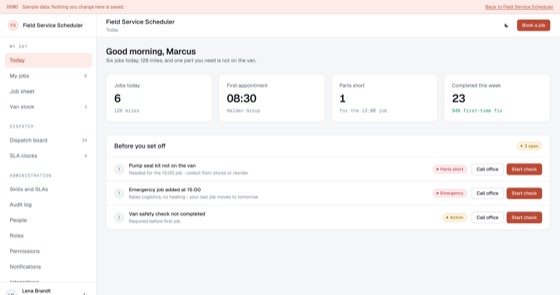
Dispatch board, engineer routing, job sheets and parts usage for teams that work on site.
5.0 out of 56 sold
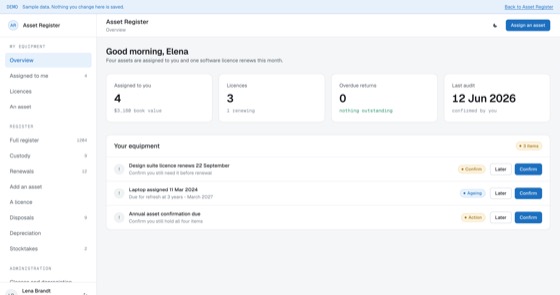
Every laptop, vehicle, licence and machine, who holds it, what it cost and when it is due.
5.0 out of 58 sold
Questions
Not covered here?
Ask a consultant directly. No form to fill in first, and no follow-up sequence.
Book a consultantAll questionsYes. The repository, application code, database schema, migrations, seed data and deployment configuration, is transferred to your organisation on delivery. There is no licence key and nothing that calls home.
The screens used on site, the daily log, tasks and the punch list, are built offline-first, so entries, photographs and sign-offs are captured locally and sync when signal returns. That is the difference between a site app that gets used and one that gets abandoned in week two.
A hold point is a task that cannot proceed without a recorded sign-off. Failing one blocks every downstream task automatically rather than relying on someone remembering. The same applies to superseded drawings: a task tied to an old revision is blocked until it is re-issued against the current one.
As many as you like, pricing is per application, not per site or per user, so every operative, subcontractor and site manager can have an account. Each site carries its own permit rules, hold points and induction requirements.
That is the usual route. A fitted build adjusts the daily log fields, issue severities, approval targets, change request workflow, role scope, branding and up to two integrations, and typically takes one to three weeks from a signed scope.
Hosting only, paid to your own cloud provider, roughly $50 to $200 a month depending on site count and photo storage, which is usually the largest component on a busy project.
Start here
A fitted build adjusts fields, stages, roles and integrations to how your team already works. One scoping call, a fixed price, one to three weeks.