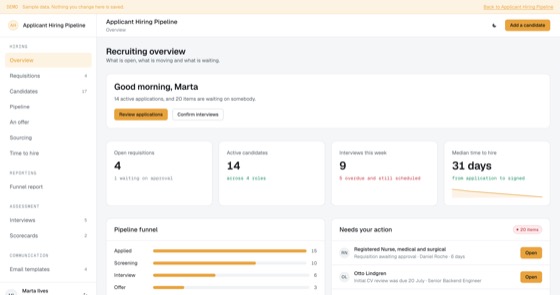
Applicant Hiring Pipeline
Requisitions, candidates, a stage pipeline, scheduled interviews with scorecards and candidate email templates, an ATS you own outright.
5.0 out of 57 sold
HomeEmployee1 / 8
4.5 out of 59 sold
Email tells you a message was sent. This tells you who read it, who understood it, and who is still outstanding, per person, per announcement, with the proof an auditor will ask for.
From$649
Inside the app
Thirty connected functions on one schema, spanning three permission levels. Everything below is in the template before a line of customisation.
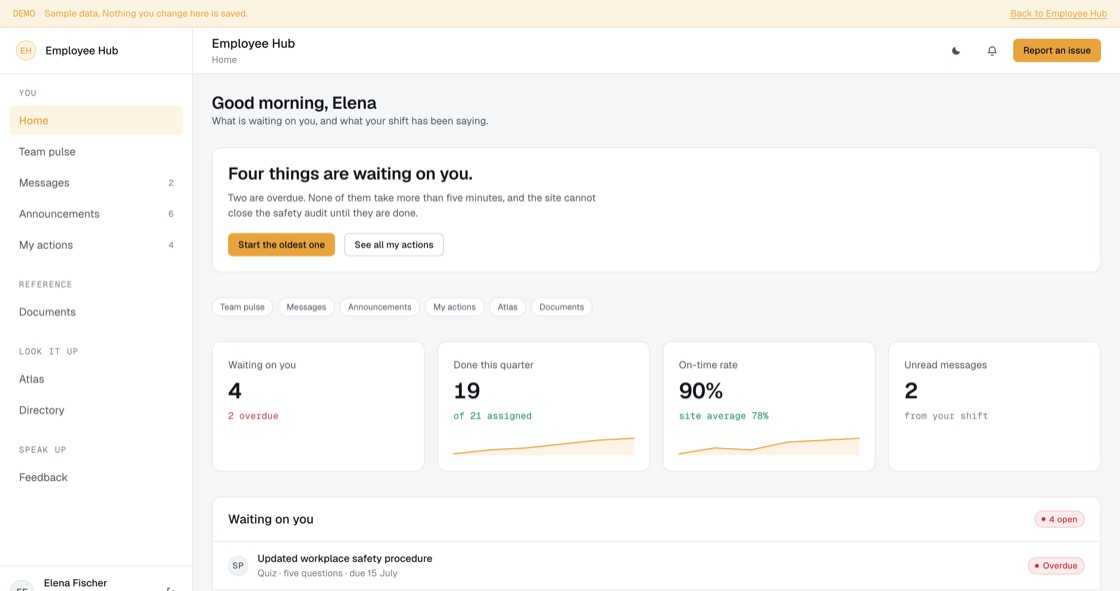
Opens on what is waiting on that person, how much of it is overdue, and what their shift has been posting. Not a news page nobody scrolls.
Filtered by urgency, department and location, each one showing what it actually requires: acknowledge, quiz, checklist, form, or nothing.
Every assigned action with its type, due date and status. Overdue is counted from the due date, not from when somebody happened to open it.
Posts by type and audience, connection requests, and direct conversations between named colleagues. Nothing anonymous.
Ask about a policy and get an answer that cites the document and version it came from. Nothing is generated, so nothing is invented.
Versioned policies with required reading tied to an action, and a people directory whose availability comes from the shift rota.
The manager dashboard: completion rate, overdue count, completion by department, and a six-week trend. The numbers a site audit asks for.
Content, audience, required action, schedule, review. Nothing sends until the review step, because a plant floor cannot be un-told.
Per person, per action, with remind, extend and escalate. Exempt is a signed decision rather than a gap in the data.
Status and type mix, quiz pass rates, and median days to act by department. Deskbound teams act in days; shift teams act when they next see a screen.
Managers see outstanding actions for their team. Administrators manage accounts, and suspending a leaver keeps their action history.
The tree audience selection reads from, shift-aware quiet hours per site, and the reminder ladder up to supervisor escalation.
Permissions
Access is a property of the person signing in, not a separate edition you pay more for. Every role below is included, and the rules are enforced on the server rather than by hiding buttons.
The build
12 screens, all of them live in the preview. Nothing on this list is a mockup or a roadmap item.
Access
Workspace
Company
Management
Administration
What you get
Companies of 30–3,000 people whose HR inbox has become the operating system.
Access and evidence
Most internal portals fail their first compliance review on the same two questions: who could see this, and can you prove what changed? Both are answered by the data model rather than by a report someone assembles afterwards.
Related
Requisitions, candidates, a stage pipeline, scheduled interviews with scorecards and candidate email templates, an ATS you own outright.
5.0 out of 57 sold
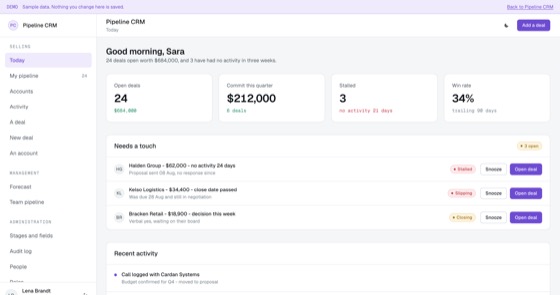
Deal stages, forecasting and activity history for a sales team that has outgrown a spreadsheet.
5.0 out of 511 sold
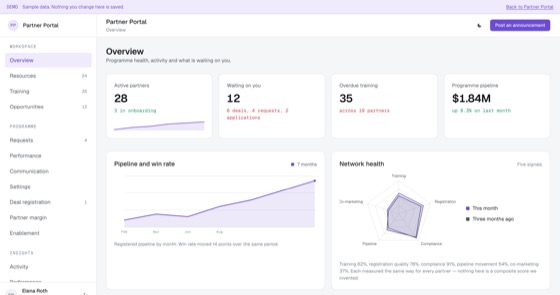
A whole partner programme in one app: deal registration, a gated resource library, training, funding requests and tier performance.
4.0 out of 53 sold
Questions
Not covered here?
Ask a consultant directly. No form to fill in first, and no follow-up sequence.
Book a consultantAll questionsYes. The repository, application code, database schema, migrations, seed data and deployment configuration, is transferred to your organisation on delivery. There is no licence key and nothing that calls home.
As many as you like, across all three roles. Pricing is per application, not per user, so putting the whole company on it costs exactly the same as putting one department on it.
An employee sees only their own record: leave, expenses, documents, requests and the directory. A manager adds an approval queue and their direct reports. An administrator adds person records, policy configuration and the audit log. The boundaries are enforced server-side, and all three are open to click through in the preview.
That is the usual route. A fitted build adjusts leave policies, accrual rules, request types, approval thresholds, branding and up to two integrations, and typically takes one to three weeks from a signed scope.
The template ships with email and password authentication. SSO through your identity provider, two-factor authentication and directory sync so joiners and leavers flow in automatically are all standard additions in a fitted build.
Hosting only, paid to your own cloud provider, roughly $50 to $200 a month depending on headcount and document volume. There is no recurring fee to us unless you choose managed hosting.
Start here
A fitted build adjusts fields, stages, roles and integrations to how your team already works. One scoping call, a fixed price, one to three weeks.