Payroll
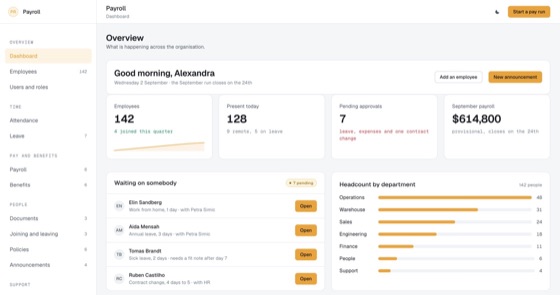
Pay runs and variance checks, inside the HR portal around them: attendance, leave, documents, benefits, onboarding and self-service.
5.0 out of 510 sold
TodayManager1 / 10
5.0 out of 511 sold
Attendance systems fail when people stop trusting them. This one records hours against a shift rather than a clock, lets anybody claim work it could not see, and shows each person exactly what is held about them.
From$629
Inside the app
24 connected functions on one schema, from the manager’s board to the record each person holds about themselves. Everything below is in the template before a line of customisation.
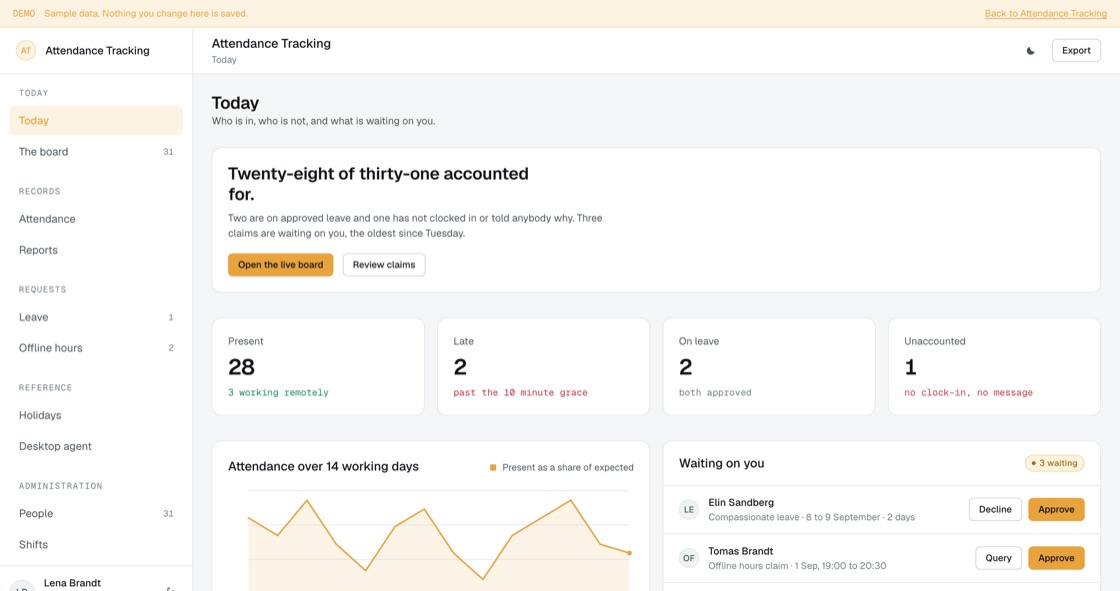
Who is in, who is late, who is on leave and who has said nothing at all. The last group is named rather than counted as absent, because at nine in the morning that difference is usually a phone call.
Every person, site and shift with time at work, active time and offline time. Idle means the agent saw nothing, which is as often a meeting as it is a break, and the board says so.
A day scored against the shift rather than the clock. Somebody who starts early and leaves early has no shortfall, which is the entire point of having shifts.
Requests, decisions, balances, carry-over and expiry. Sickness reported by phone is recorded as reported by phone rather than backdated into a tidy request.
A site visit, a workshop, a laptop left at a desk. Anybody can claim the stretch the agent missed, and somebody has to decide it, which is why it is a queue and not an automatic adjustment.
A closure calendar per site, because remote staff follow where they live rather than where the company is registered. Days falling at a weekend are flagged with whatever your policy does about them.
Start, end, grace, paid and unpaid breaks, minimum hours, overtime thresholds and rounding. Rounding is to the minute rather than the quarter hour, because quarter-hour rounding always favours the same side.
Hours against expected, absence by reason, lateness by weekday and overtime, by team and by site. Where the data has a gap the report says gap rather than absent.
The employee sees their own hours, their own activity and their own breaks, and can claim anything missed. This is the screen that decides whether people accept the rest.
A plain list of what the agent collects, what it does not, how long it is kept and who has looked. Every access is written to the audit log and the person can read it.
Clocks in, records whether input happened, names the application in front. It does not log keystrokes, cannot be installed silently, and can be paused visibly rather than in secret.
Who is tracked, on what shift, and whether the agent is installed at all. Working without it is supported and the reporting gap is labelled instead of being counted as absence.
Permissions
A monitoring tool people do not trust gets worked around, and then it measures nothing. The employee side is a real application: it shows the same numbers the manager sees, names everything that is collected, and lets somebody correct a day that is wrong.
01Administrator
22 of 24 functions
The build
13 screens, all of them live in the preview. Nothing on this list is a mockup or a roadmap item.
Access
Today
Requests
Employee
Administration
What you get
Operations and people teams running a rota on spreadsheets, a punch clock nobody trusts, or a monitoring tool staff have quietly worked out how to defeat.
Access and evidence
Recording how people spend their working day is the part that needs care. What is collected, who can see it, how long it is kept and how somebody corrects it are structural here, not a policy document filed once and forgotten.
Related
Pay runs and variance checks, inside the HR portal around them: attendance, leave, documents, benefits, onboarding and self-service.
5.0 out of 510 sold
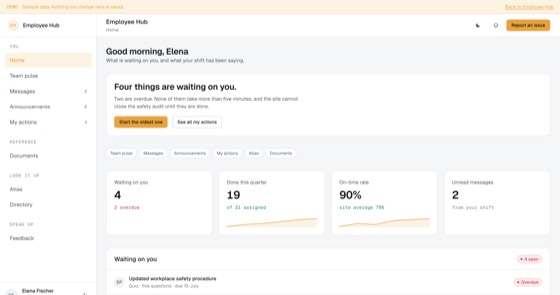
Announcements that require an action, tracked per employee, with reach reporting for managers.
4.5 out of 59 sold
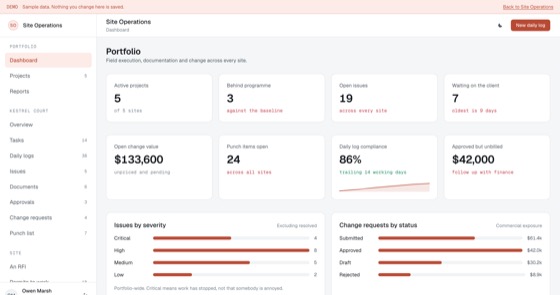
Daily logs, tasks, issues, drawings, approvals, change requests and punch lists across every site, for all six people who look at them.
4.5 out of 53 sold
Questions
Not covered here?
Ask a consultant directly. No form to fill in first, and no follow-up sequence.
Book a consultantAll questionsYes. The repository, application code, database schema, migrations, seed data and deployment configuration, is transferred to your organisation on delivery. There is no licence key and nothing that calls home.
As many as you like. Pricing is per application, not per user, so every employee, manager and administrator can have an account at no extra cost.
In settings, without a developer. A shift pairs a start and end with a grace period, break rules, a minimum-hours threshold and the working days it applies to. Changing a rule applies from that day forward rather than restating history, so last month’s report does not move because somebody edited a shift today.
Their own record in full: hours, activity, breaks, leave balance, every category of data held about them, how long it is kept, and the log of who has looked at it. They cannot see anybody else. That visibility is deliberate, a monitoring tool people cannot inspect gets worked around, and then it measures nothing.
Not in the template. Screen capture is switched off for every role and stays off until somebody deliberately turns it on. If it is enabled, each person re-accepts before it starts, sees their own captures first, and images are deleted after seven days. Whether screen capture is lawful depends on where your staff are, so it is a decision for you and your own advisers rather than a default you inherit.
That is the usual route. A fitted build adjusts shifts, grace and rounding rules, holiday calendars per site, what the agent collects, leave types and entitlements, branding and up to two integrations, and typically takes one to three weeks from a signed scope.
Hosting only, paid to your own cloud provider, roughly $50 to $200 a month depending on order volume and document storage. There is no recurring fee to us unless you choose managed hosting.
Start here
A fitted build adjusts fields, stages, roles and integrations to how your team already works. One scoping call, a fixed price, one to three weeks.