Operations ERP Suite
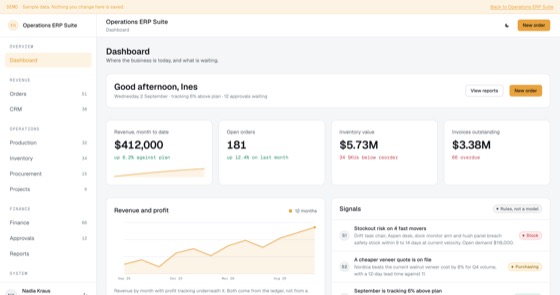
The full ERP spine: orders, CRM, production, stock, purchasing, projects, finance, approvals, reporting, people and automation.
5.0 out of 58 sold
OverviewProcurement1 / 8
4.0 out of 54 sold
Most vendor problems are really visibility problems. Give the vendor a login and the chasing stops: they see the order, they acknowledge it, they invoice against it, and they keep their own paperwork current.
From$629
Inside the app
27 connected functions on one schema, spanning two sides of the same relationship. Everything below is in the template before a line of customisation.
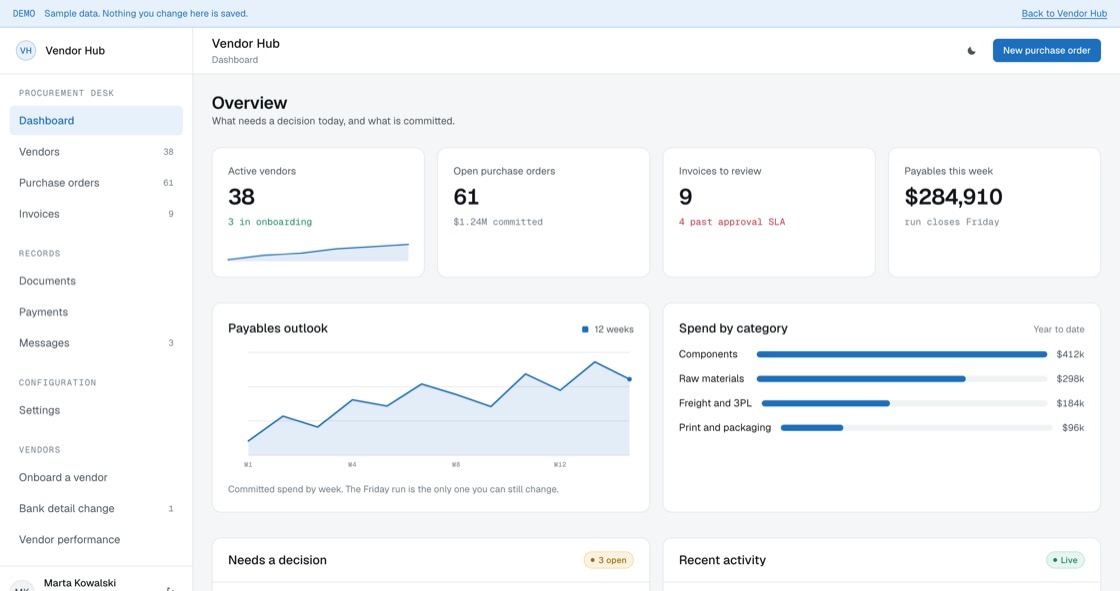
What needs a decision today, what is committed, and a twelve-week payables outlook. The Friday run is the only one you can still change.
Filtered by status and category, with year-to-date spend, your risk rating and whether the compliance file is complete enough to raise an order.
Raised, acknowledged, in production, delivered, late. Unacknowledged is the earliest warning you get that a date is not going to hold.
Three-way, two-way or mismatched, stated plainly. Nothing is approved quietly because the numbers were close enough.
The run, what is in it, what is held and what settled. The money moves through your own banking; this records what was scheduled and what happened.
Contracts, insurance, tax and certifications per vendor. A lapsed blocking document stops the next order issuing, which is the point of holding it.
Conversations attached to the vendor and, where it matters, to the order. A decision agreed by email that nobody can find later is what this replaces.
Approval thresholds, which documents block and which only warn, integrations and the reminder ladder. Ours are a starting point, not a recommendation.
The supplier opens on their onboarding progress, their next payment and their open orders. Four of six complete, and the two outstanding ones are named.
They acknowledge the date or they say now that it will not hold, rather than on the delivery date.
Submitted against a purchase order and matched the same day. A rejected invoice says which line disagreed instead of just failing.
They see what is expiring before you have to chase it, and they can hold you to your own payment terms.
Permissions
A vendor portal only works if the vendor uses it, so the supplier side is a real application rather than a read-only page. Both sides run on one schema, and the rules are enforced on the server rather than by hiding buttons.
The build
16 screens, all of them live in the preview. Nothing on this list is a mockup or a roadmap item.
Access
Procurement
Records
Vendor side
What you get
Finance and operations teams whose purchasing runs on email approvals and a shared drive.
Access and evidence
Giving an outside company a login is the part that needs care. What a vendor can see, what they can change and what blocks an order are structural here, not a checklist someone signs at year end.
Related
The full ERP spine: orders, CRM, production, stock, purchasing, projects, finance, approvals, reporting, people and automation.
5.0 out of 58 sold
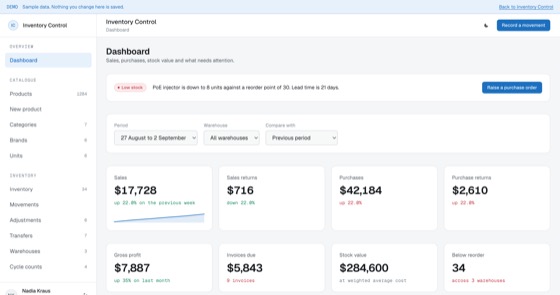
Catalogue, stock, warehouses, purchase orders, suppliers, sales, cycle counts and valuation, on one append-only movement ledger.
5.0 out of 510 sold
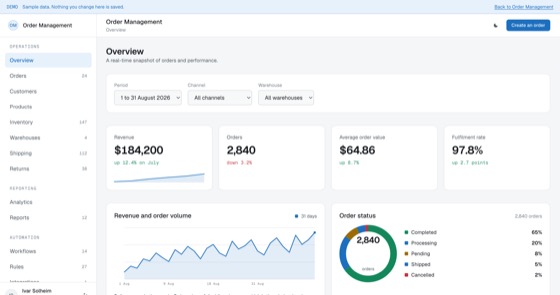
A full order management system: orders, customers, catalogue, stock, warehouses, shipping, returns, automation rules and integrations.
5.0 out of 510 sold
Questions
Not covered here?
Ask a consultant directly. No form to fill in first, and no follow-up sequence.
Book a consultantAll questionsYes. The repository, application code, database schema, migrations, seed data and deployment configuration, is transferred to your organisation on delivery. There is no licence key and nothing that calls home.
As many as you like, on both sides. Pricing is per application, not per user, so every buyer and every vendor you work with can have an account at no extra cost.
In settings, by the procurement side, without a developer. A threshold pairs a value band with the person who clears it, and the same screen decides which documents block an order and which only warn. Changes apply to new orders, so anything in flight keeps the rules it started under.
Their own record and nothing else. A vendor signs in to the orders raised to them, the invoices they submitted, their own documents and their own payments. They cannot see other vendors, your category spend, or what you pay anyone else. Bank detail changes are kept in history rather than overwritten.
That is the usual route. A fitted build adjusts categories, thresholds, which documents block an order, the vendor onboarding steps, branding and up to two integrations, and typically takes one to three weeks from a signed scope.
Hosting only, paid to your own cloud provider, roughly $50 to $200 a month depending on order volume and document storage. There is no recurring fee to us unless you choose managed hosting.
Start here
A fitted build adjusts fields, stages, roles and integrations to how your team already works. One scoping call, a fixed price, one to three weeks.